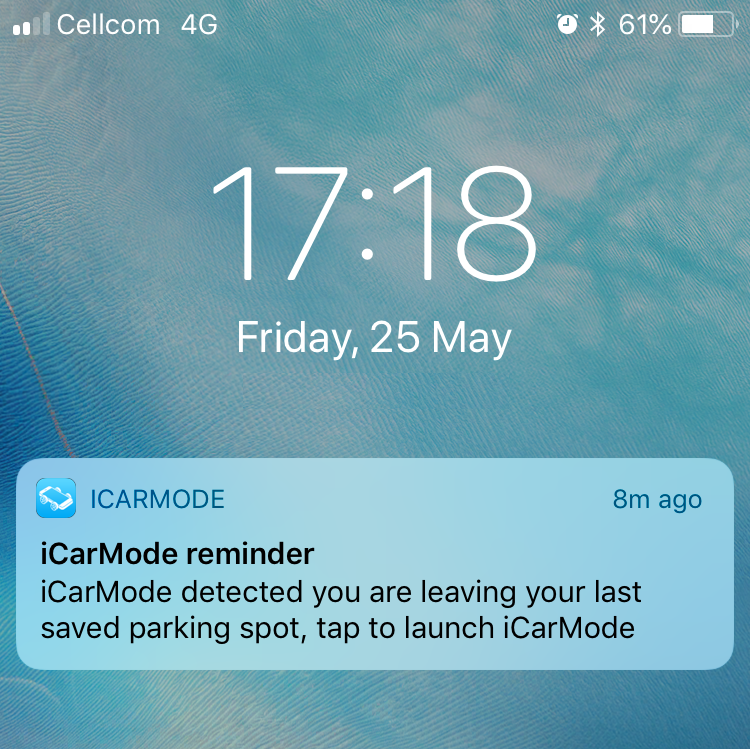
In previous versions of iCarMode, a badge appeared whenever you had an active parking meter reminder or a saved parking location.
The badge was useful, but it did not provide enough context. You could see that something required your attention, but there was no dedicated screen explaining what the badge represented or showing all active items in one place.
Based on user feedback, iCarMode 9.0 introduces a new Notifications screen.
The new interface makes every badge understandable and gives you a clear place to view, open, and remove active parking-related notifications.
A badge that now leads somewhere useful
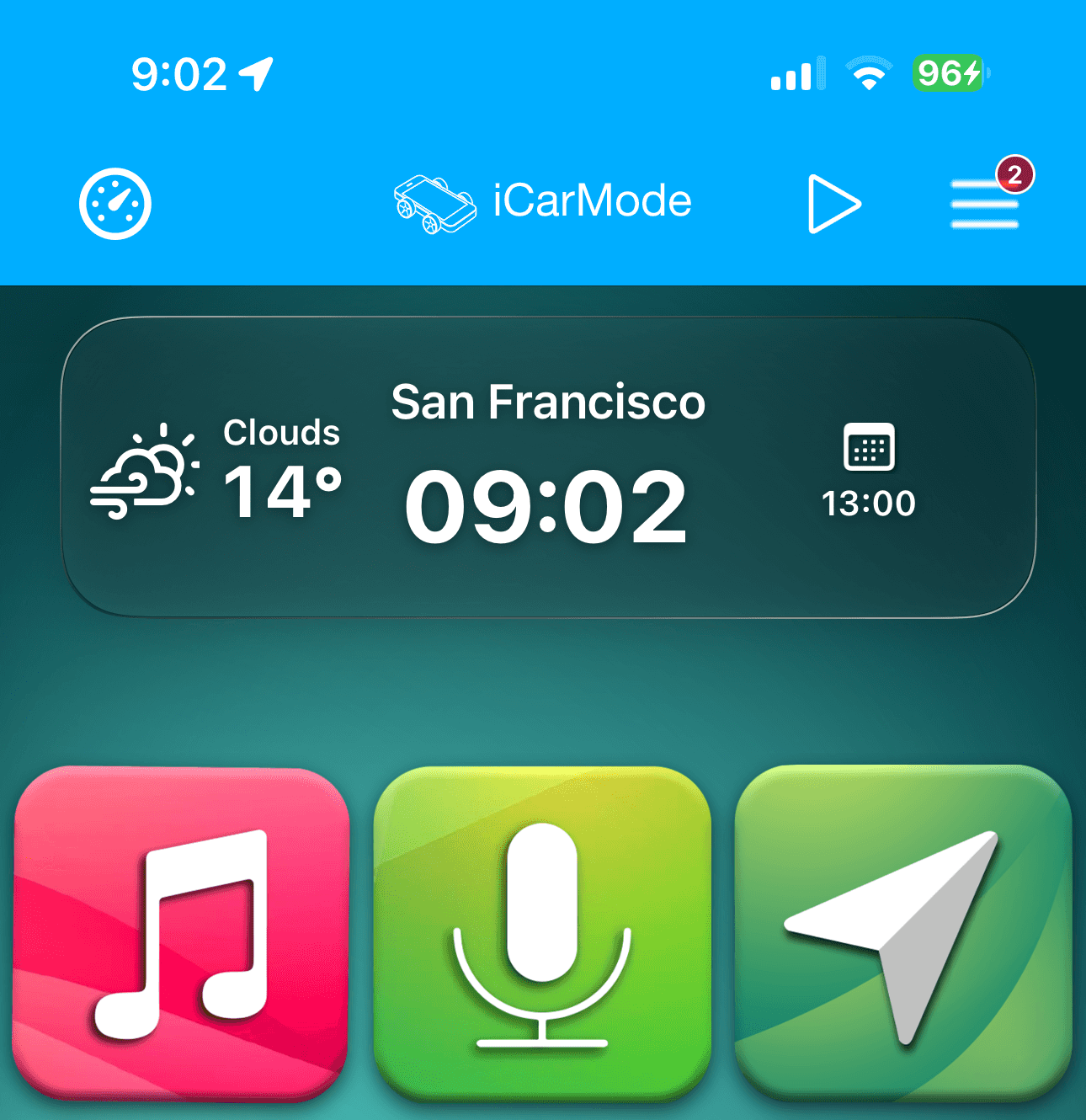
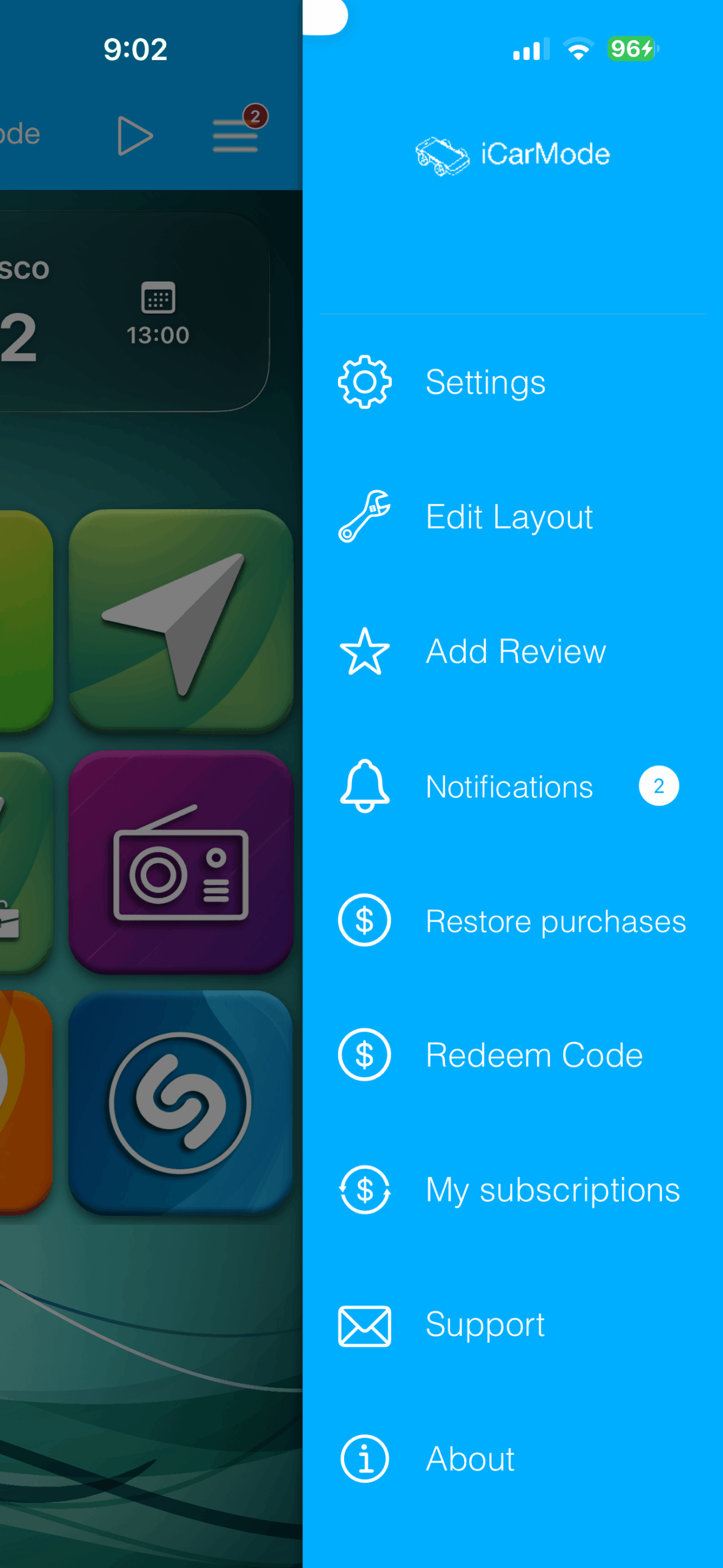
When iCarMode has active notifications, the badge appears in several places so it remains visible without interrupting your driving experience.
First, the badge appears on the iCarMode app icon, allowing you to see that something is waiting before opening the app.

See all active notifications in one place
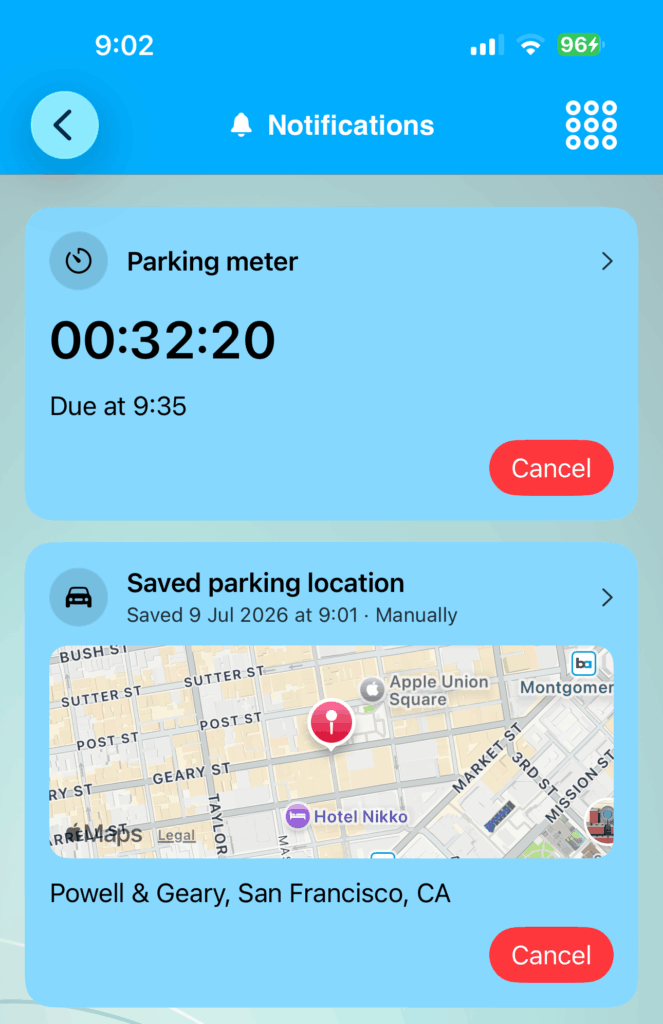
The new Notifications screen displays your active items as clear, easy-to-read cards.
Depending on the features you are using, the screen may include:
- An active parking meter countdown
- A saved parking location
- Scheduled reminders
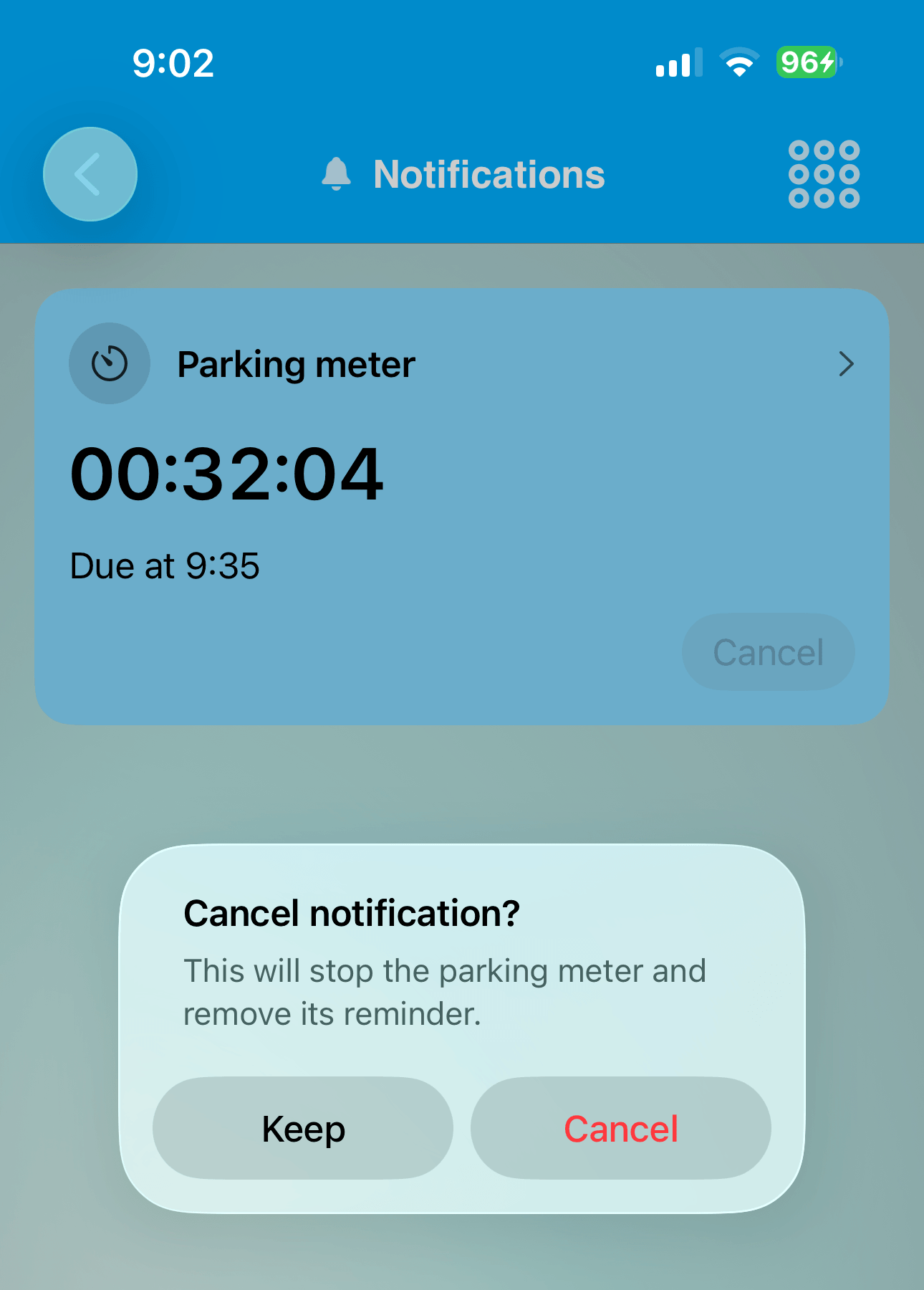
For a parking meter, iCarMode shows the remaining time and the exact time at which the meter is due.
For a saved parking location, the screen shows when the location was saved, how it was created, a map preview, and the detected address.
The badge count matches the number of active items, so you can immediately understand what the badge represents.
Open notification details
Each notification can be selected to open its related feature.
For example, selecting a saved parking location lets you view the location and use it to find your way back to the car. Selecting the parking meter gives you access to the active timer.
The Notifications screen is therefore more than a badge explanation—it is also a quick way to return to the feature that created the notification.
Remove notifications when they are no longer needed
Each notification includes a Cancel option.
Because cancelling an item may also remove associated information, iCarMode asks for confirmation before completing the action.
Cancelling a saved parking notification deletes the saved parking location and stops monitoring it.
Cancelling a parking meter stops the timer and removes its reminder.
This confirmation step helps prevent important parking information from being deleted accidentally.
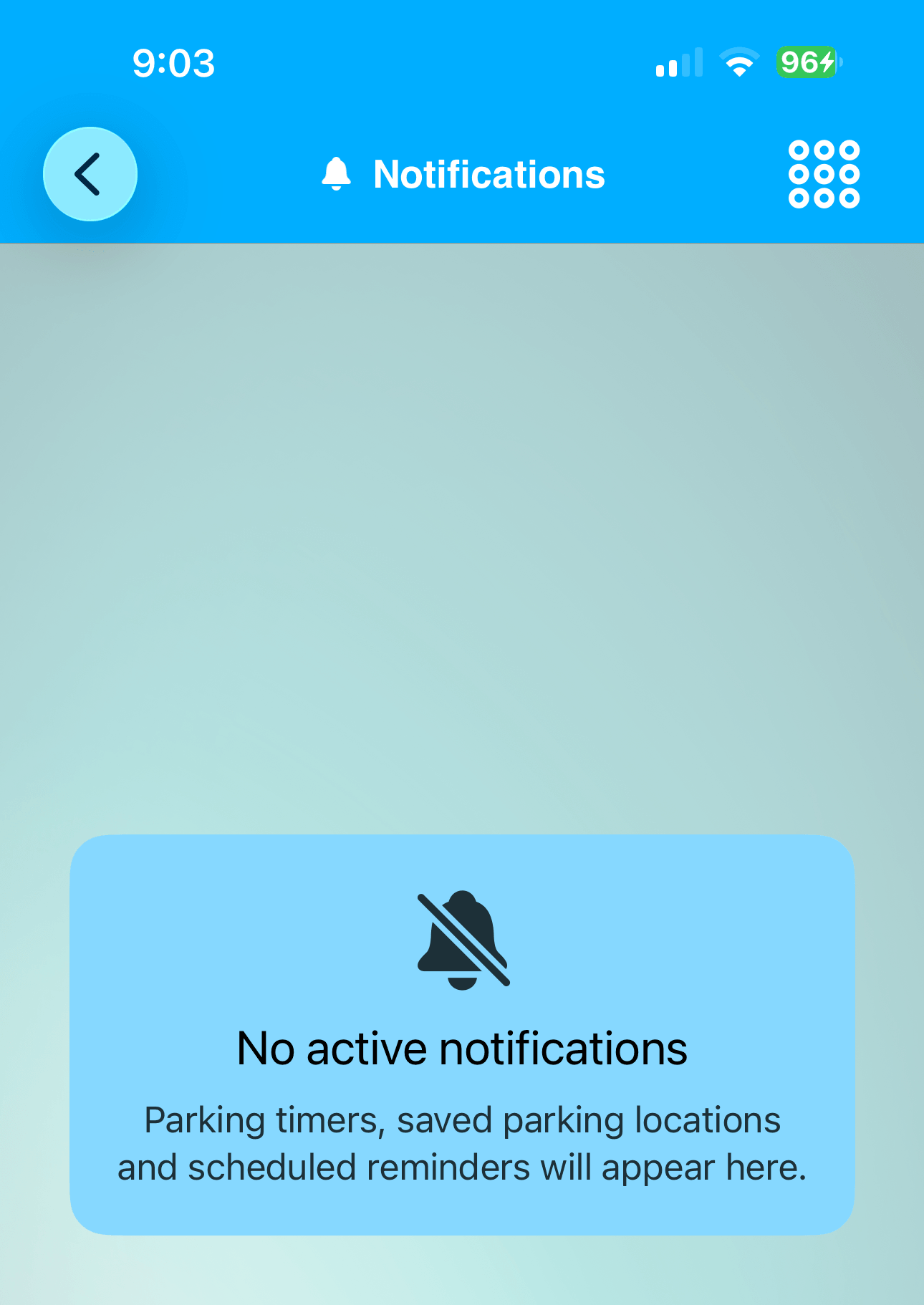
The badge is automatically removed when no active items remain.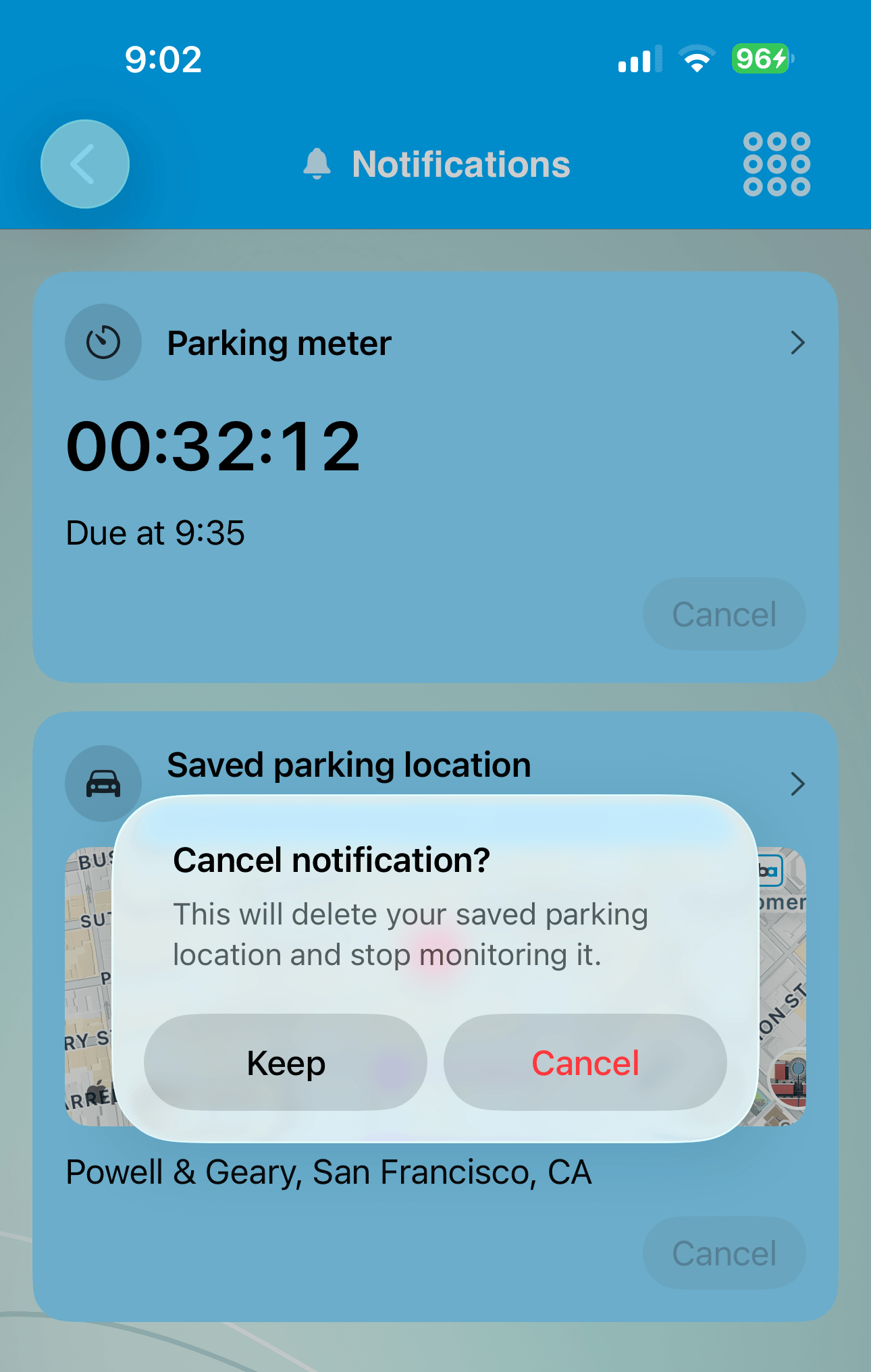
The original badge was intended to provide a quick reminder, but without a detailed screen its meaning was not always obvious.
The new Notifications feature in iCarMode 9.0 completes that experience:
- See the badge on the app icon.
- See the badge inside the iCarMode dashboard.
- Open the Notifications item from the menu.
- Review every active notification.
- Open the related feature or remove the notification.
- See a clear empty state when nothing is active.
It is a small change that makes parking reminders and saved locations much easier to understand and manage.
The new Notifications screen is available as part of iCarMode 9.0.