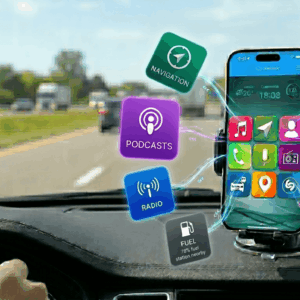
Version 6.0 brought some wonderful features to iCarMode, the main and most requested one was definitely - The podcasts player.
This post is a tutorial and 'get to know' post of this feature.
How do I add my favorite podcasts to the quick access list?
Enter the Podcasts feature, on the favorites screen at the right bottom corner, tap on the plus button.
This will open up the menu, choose the magnify glass icon.
Search for your favorite Podcast and select it from the list.
At the top right corner, tap on the Star icon to save this Podcast to your list.
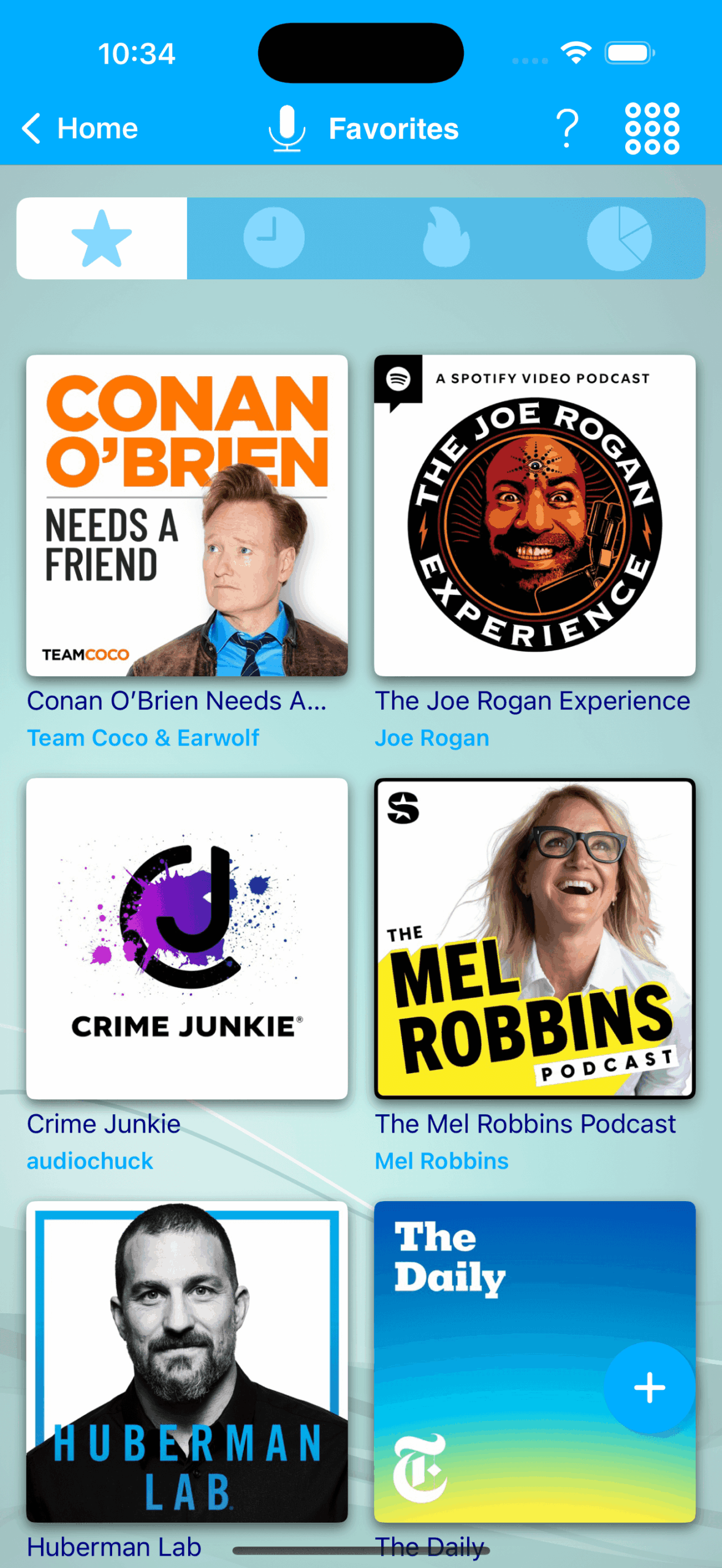
Back to the Podcasts main screen, you can see the added Podcast.
Tap on it, you'll see the list of episodes this Podcast has to offer, tapping on any of them will start playing!
I don't have good internet reception on road, how can I still listen to my favorite podcast?
Enter to your favorite podcasts screen, and choose the episodes to download by swiping from right to left.
In the downloads screen, you can see the download progress.
When download is finish, you're ready to go. Just tap on the downloaded episode, and Enjoy!!
How can I free the space on my device after listening to an offline episode?
Go to the downloads screen, Swipe right on the required episode to delete it from your device. That's it!!!
How can I delete a podcast from the favorite list?
Just touch and hold the podcast's icon to enter edit mode and than choose the podcast to delete and confirm the deletion.
Does iCarMode contains podcasts charts or recommendations?
Yes! make sure you're app is updated to version 7.6+.
You will find at the top of the feature a filter bar.
This bar will allow you to browse through:
- Your selected favorite podcasts list.
- Last listened podcast episodes.
- Trending Podcasts.
- Categorized Podcasts charts.
Does iCarMode podcasts player knows how to auto resume?
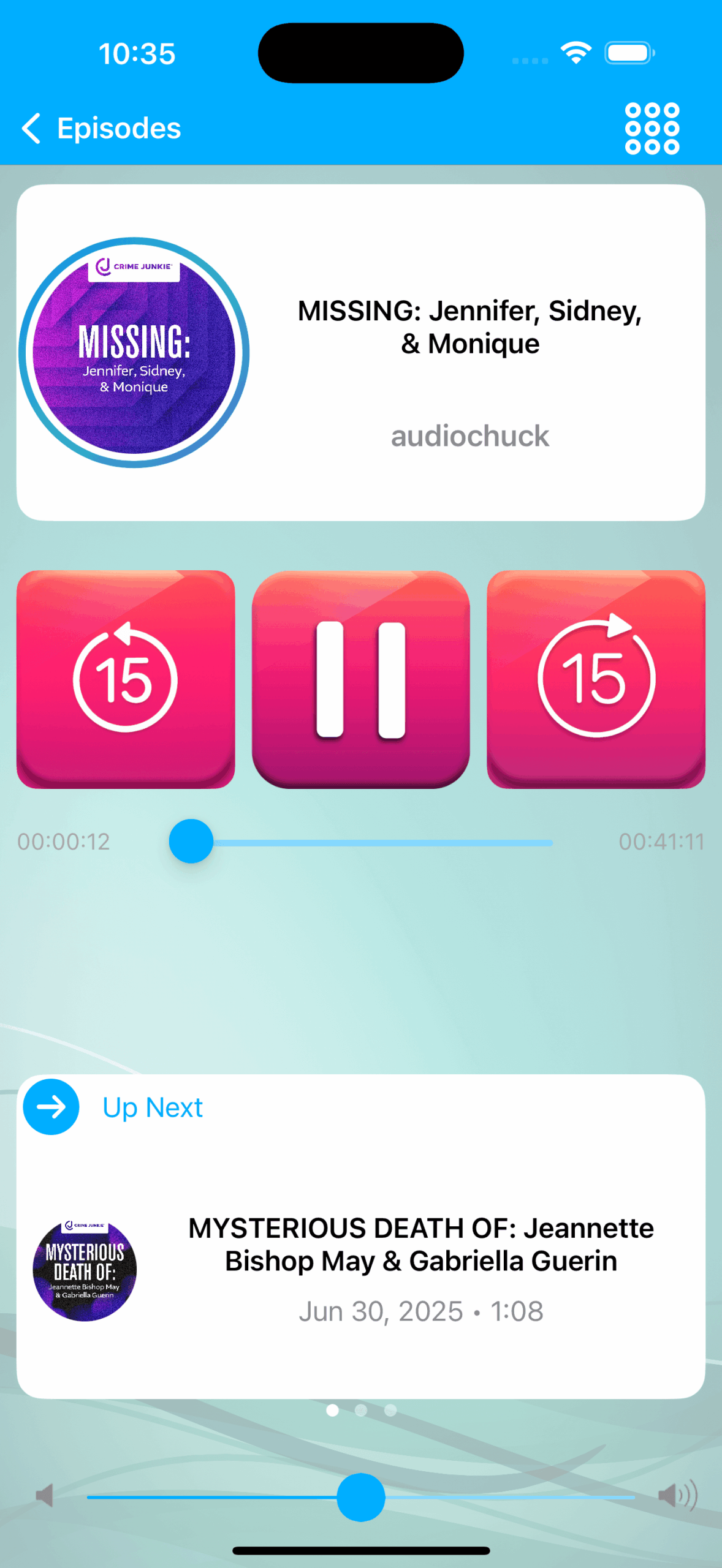
Yes—just update to version 8.0 or later. The new Podcast player now:
- Auto‑resumes the next episode as soon as the current one ends.
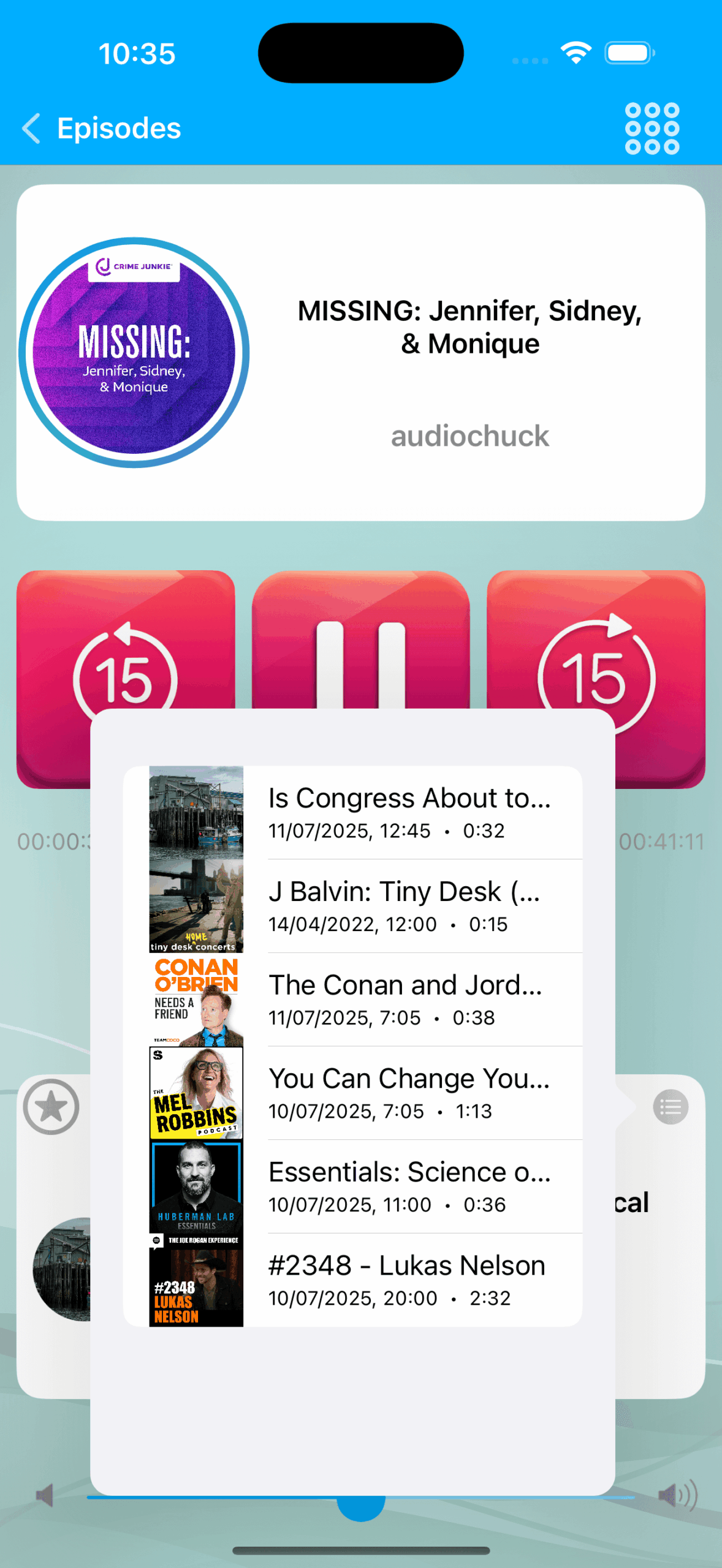
- Lets you choose the sequence: jump to the latest episode of each favourite show, binge a single podcast front‑to‑back, or listen in reverse order.
- Saves your spot if you pause mid‑episode, so it restarts exactly where you left off when you’re back on the road.
Pleasant listening and drive safely!
Download iCarMode from the AppStore: